
Google Guaranteed vs Google Verified is no longer a choice between two badges. On October 20, 2025, Google replaced Google Guaranteed, Google Screened, and License Verified by Google with a single Google Verified badge for eligible Local Services Ads advertisers. The biggest change was removing Google’s customer money-back guarantee. Google Verified now indicates that a business has passed the screening requirements applicable to its category and location; it does not promise refunds or guarantee service quality. Existing verified advertisers were moved automatically, while new businesses must complete the required checks. Here’s what changed and what local service companies should do.
Google Guaranteed vs Google Verified
Both badges were designed to help customers identify businesses that had completed Google’s screening process.
However, they communicate different things.
Google Guaranteed was previously associated with certain home service businesses and included a customer reimbursement program.
Google Verified is the current badge for eligible Local Services Ads businesses that complete Google’s required checks.
Google Guaranteed vs Google Verified Comparison
| Feature | Google Guaranteed (Old) | Google Verified (Current) |
| Status | Discontinued | Active |
| Badge transition | October 20, 2025 | Introduced as the replacement |
| Where used | Local Services Ads | Eligible Local Services Ads |
| Verification | Required | Required |
| Money-back guarantee | Available for eligible historical bookings | Not included |
| Existing advertisers | Previously displayed the old badge | Automatically transitioned if eligible |
| New applicants | No longer available | Complete the current screening process |
| Guaranteed ranking | No | No |
The key difference is straightforward.
Google Guaranteed combined verification with limited customer reimbursement. Google Verified identifies businesses that passed applicable checks, without offering that reimbursement.
The new badge does not mean Google guarantees the quality of every job.
It also does not mean every business displaying Google advertising is Google Verified.
Why Did Google Replace Google Guaranteed?
Google announced the change on August 20, 2025, saying it wanted to simplify the credibility badges displayed in Local Services Ads.
Previously, businesses could have different badges depending on their industry.
These included:
- Google Guaranteed: Commonly associated with home services such as plumbing, cleaning, roofing and HVAC.
- Google Screened: Used for selected professional services, including legal and financial services.
- License Verified by Google: Identified businesses whose relevant licence information had been checked.
Google consolidated these into one badge to make the verification signal more consistent.
When Did the Change Happen?
| Date | What Happened |
| August 20, 2025 | Google announced the consolidated badge |
| October 20, 2025 | Google Verified replaced the older LSA badges |
| December 7, 2025 | Cutoff referenced in Google’s rules for eligible historical reimbursement bookings |
| Throughout 2026 | Google Verified remained the current badge for eligible verified advertisers |
Businesses that had already completed the necessary screening were not required to submit a new application solely because of the badge change.
Google stated that eligible existing advertisers would receive the new badge automatically and their Local Services Ads would continue running.
The badge transition was not a requirement to rebuild an existing advertising account.

Is the Google Money-Back Guarantee Still Available?
No. Google discontinued the Money Back Guarantee associated with the former Google Guaranteed program.
This is the most important change for customers and businesses.
Previously, certain customers who booked services through eligible Google Guaranteed Local Services Ads could request reimbursement when qualifying problems occurred.
The program was subject to Google’s conditions and limits.
That historical protection is no longer included with Google Verified.
What About Older Bookings?
Google’s current documentation states that eligible reimbursement requests applied to services booked through Local Services Ads before December 7, 2025.
Requests had to be submitted within 30 days of the initial service completion date.
This historical provision should not be interpreted as an active guarantee for new bookings in 2026.
What Should Businesses Tell Customers?
Imagine a homeowner contacts a plumbing company and asks:
“Are you still Google Guaranteed?”
An outdated answer would be:
“Yes. Google guarantees our work and will refund you if something goes wrong.”
That statement is no longer accurate.
A better response, if the business has the current badge, would be:
“Our Local Services Ads profile is Google Verified, which means we’ve completed Google’s required screening checks. Any service warranty is provided under our own terms.”
If the business offers a workmanship warranty, it can explain the actual coverage.
If it does not offer one, it should not imply otherwise.
Google Verified is a screening credential, not a Google-backed workmanship warranty.
What Does the Google Verified Badge Actually Mean?
Google Verified indicates that a business has passed the screening and verification requirements applicable to its Local Services Ads category and location.
Not every business completes identical checks.
Requirements depend on the service, country, location and Google’s current policies.
What Does Google Check Before Giving the Badge?
| Verification Area | What Google May Review |
| Business identity | Business registration and representative information |
| Licences | Relevant business or professional licences |
| Insurance | Required coverage and insurance documentation |
| Background checks | Business owners and, for applicable categories, service professionals |
| Google Business Profile | Public, verified and appropriately linked business information |
| Reviews | Minimum requirements in applicable categories |
For example, a plumbing company may need to provide professional licence information where required.
Some service categories, such as locksmith and garage door services, can face additional screening.
A house cleaning company may have different requirements from a legal services provider.
Always check the specific requirements shown during onboarding.
Does Google Verified Mean Every Employee Is Background-Checked?
Not necessarily.
Google’s screening requirements vary, and employee background checks are not identical across all service categories.
Do not advertise every worker as background-checked unless that claim is accurate and supported by your company’s records.
Is Google Verified the Same as Google Business Profile Verification?
No. These are separate verification processes.
Google Business Profile verification confirms information used to manage a business’s presence on Google Search and Maps.
Google Verified is associated with eligible Local Services Ads and the screening required for that advertising program.
An ordinary verified Google Business Profile does not automatically mean the business has earned the Google Verified LSA badge.
This distinction is particularly important for companies that use Google Maps but have never applied for Local Services Ads.

What Should Existing Local Services Ads Advertisers Do Now?
If you previously displayed Google Guaranteed, you generally do not need to apply again just to receive the new badge.
However, there are several practical checks worth making.
Check Your Current LSA Profile
Open your Local Services Ads profile through the management interface available to your account.
Confirm that your business information is correct and that the Google Verified badge appears where applicable.
Google says the badge is displayed on eligible provider profiles and may appear dynamically in other places.
Not seeing the icon in every search result does not automatically mean your verification has failed.
Review Your Verification Status
Check whether Google has requested additional information.
Depending on your category, this may include business identity documents, registration details, insurance, licences, or further screening.
Google can reassess businesses and require follow-up checks.
Complete any genuine outstanding requirements rather than assuming the old verification status will always remain unchanged.
Remove Outdated Google Guaranteed Claims
This is an important website and advertising task.
Review your:
- Website homepage and service pages.
- Landing pages and advertising assets.
- Sales presentations and quote templates.
- Email signatures and marketing brochures.
- Customer FAQs and phone scripts.
Remove outdated claims that imply Google still provides the former Money Back Guarantee.
For example:
Outdated: “Our services are backed by the Google Guarantee.”
Suitable alternative, if accurate: “Our business has completed Google’s verification requirements for Local Services Ads.”
Only describe checks your business has actually passed.
Also avoid copying Google’s current badge artwork into marketing materials unless its applicable usage rules permit it.
Update How Your Team Explains the Badge
A customer may remember the old green Google Guaranteed mark.
Your staff should be able to explain why the current badge looks different.
Keep the explanation simple.
The business completed Google’s required screening, but Google no longer offers the old customer reimbursement program.
For a roofing contractor, cleaner or pest control company, this helps prevent confusion when customers ask about verification before booking.
Check That Customer Inquiries Are Still Being Handled
The badge change itself did not affect Local Services Ads ranking, according to Google.
However, advertisers should still monitor the condition of their campaigns.
Check whether your phone number works, your advertised services are accurate, and staff respond to incoming inquiries.
PPC Leap’s guide on how to follow up with leads explains how local businesses can manage incoming customer requests and turn suitable inquiries into bookings.
Updating a badge is useful, but it does not replace a reliable customer response process.
How Can a New Business Get Google Verified?
A new advertiser cannot apply for the discontinued Google Guaranteed badge.
Instead, it must qualify for Google Verified through Google’s current Local Services Ads process.
Step 1: Check Local Services Ads Eligibility
Confirm that your business category and geographic location are supported.
Local Services Ads are not available to every industry in every country.
For example, Google lists supported categories in the United States, Canada and the United Kingdom, while availability differs across those markets.
Businesses should verify the category and location before planning an advertising budget.
Step 2: Create or Confirm Your Google Business Profile
Use accurate business information.
Make sure your actual business name, phone number, service details and operating location are consistent with the documents you will submit.
A public, verified Google Business Profile is required for Local Services advertisers under Google’s current requirements.
Step 3: Start the Local Services Ads Application
Use Google’s Local Services Ads onboarding process.
Select your available service categories and provide the requested business information.
Follow the verification instructions shown for your business.
Do not assume another contractor’s requirements will be identical to yours.
Step 4: Complete the Required Screening
Submit any requested documents and complete the relevant checks.
This may involve:
- Business or representative identity verification.
- Licence information.
- Proof of insurance.
- Applicable background checks.
- Other category-specific requirements.
Google may ask for additional documents or clarification.
Its US screening guidance gives an average of approximately three to four weeks after document submission, although actual timing varies.
Step 5: Confirm Badge Eligibility and Campaign Status
Once Google confirms that the required checks are complete, eligible businesses can receive Google Verified.
Some categories and regions may support preliminary advertising before all badge requirements are complete.
However, running an eligible pre-badge ad is not the same as having the Google Verified badge.
Google also notes that the badge is currently unavailable in certain categories, including auto, beauty and dining.
Always check your own category’s status.
What If Your Google Verified Badge Is Missing?
Do not assume that a missing badge means Google rejected your entire business.
Start by identifying where the badge is missing.
| Situation | What to Check |
| Badge isn’t visible in a particular search result | It may not display on every surface |
| Profile shows incomplete screening | Finish the outstanding verification requirements |
| Business documents are rejected | Review accuracy, validity and business-name matching |
| Profile or advertising account has restrictions | Check account notifications and policy status |
| Business category isn’t eligible for the badge | Confirm current category eligibility |
If the badge should be available but is still missing, review the verification dashboard and use the official support options associated with your account.
Avoid creating another business profile simply to obtain the badge.
Duplicate or misleading business information can introduce additional account problems.
Does Google Verified Improve Local Services Ads Ranking?
Google states that replacing the old badge with Google Verified did not change how Local Services Ads are ranked.
However, this does not mean verification information is irrelevant to the overall advertising system.
Google’s LSA auction considers factors including bidding, business relevance, customer responsiveness, reviews, profile quality, images and completed verification checks.
The important distinction is that renaming the badge itself did not provide a ranking boost or penalty.
A company previously shown with Google Guaranteed should not expect its position to improve simply because it now displays Google Verified.
What Should You Monitor Instead?
Review the actual performance of your advertising.
Pay particular attention to:
- Qualified phone calls and messages.
- Response rates.
- Customer reviews and ratings.
- Accuracy of advertised services.
- Leads that become confirmed bookings.
- Advertising cost per booked job.
For example, a pest control company may have an active Google Verified badge but still struggle to answer customer calls.
The badge cannot compensate for an unreliable lead-handling process.
And if your business runs standard Google Search campaigns alongside LSA, the two channels should be measured separately.
Does Getting Google Verified Cost Money?
There is no separate fee simply to purchase the Google Verified badge.
The badge is earned through Google’s required screening process, not bought as a premium placement.
However, the surrounding Local Services advertising program has costs.
Advertisers generally pay for eligible leads rather than standard website clicks.
Lead prices vary by industry, location and competition.
Businesses may also have ordinary operational costs associated with maintaining required documents or business licences.
Is Google Verified Worth It for Your Business?
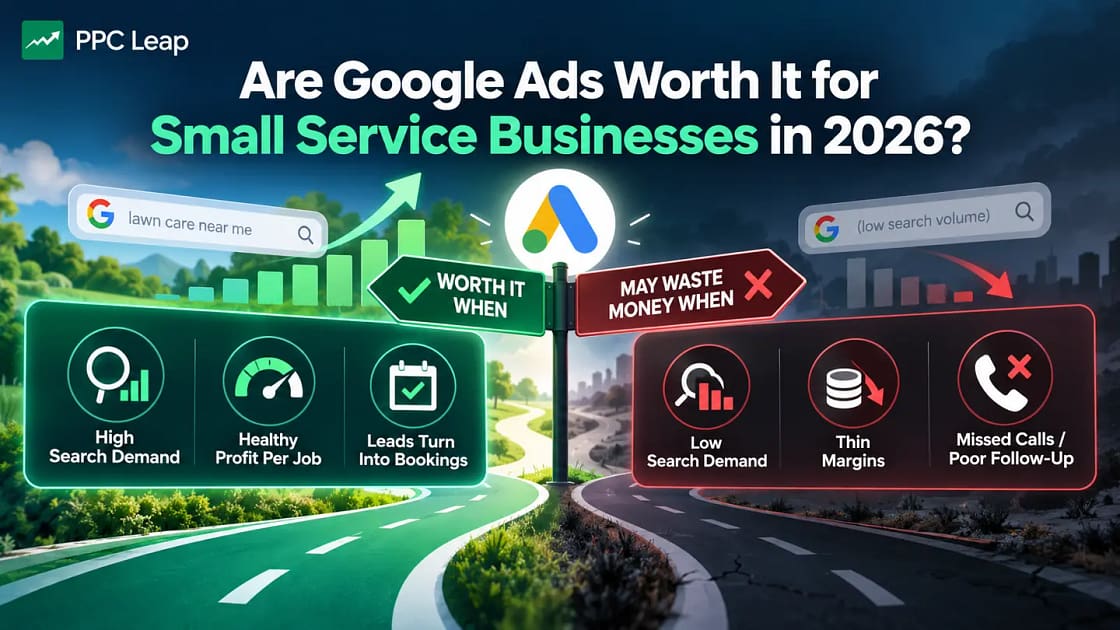
The better question is whether Local Services Ads generate enough qualified and profitable jobs.
For example, suppose a cleaning company spends $600 on Local Services Ads during a test.
It receives 12 recorded leads, of which four become confirmed jobs.
Its cost per booked job would be:
$600 ÷ 4 bookings = $150 per booked job
The business would then need to compare that cost with its gross profit and expected customer value.
The badge helps communicate that screening has been completed, but it does not guarantee bookings.
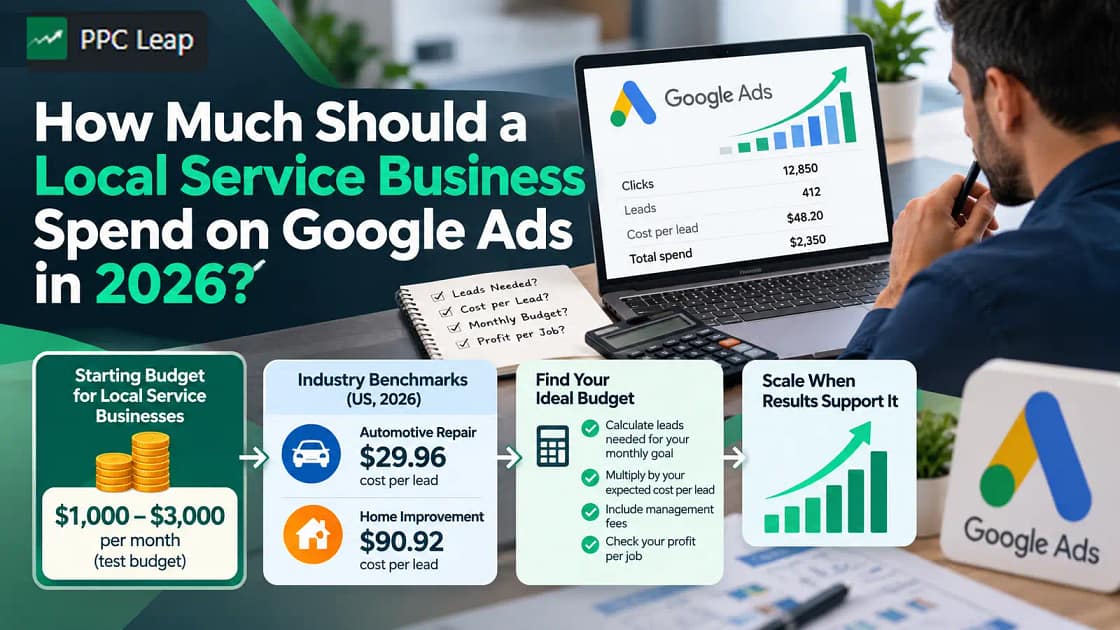
For broader advertising planning, PPC Leap’s guide on how much a local service business should spend on Google Ads explains how to assess lead costs, budgets and customer acquisition goals.

Is Google Verified Connected to the 2026 Performance Max Migration?
Yes, but they are two separate changes.
The Google Verified badge replaced the older Local Services Ads badges in October 2025.
Separately, Google began moving eligible US Local Services Ads accounts into specialised Performance Max campaigns with pay-per-lead goals in August 2026.
That transition changes where eligible advertisers manage campaigns and certain campaign controls.
It does not bring back the discontinued Money Back Guarantee.
The specialised campaigns continue using a pay-per-lead model, and eligible businesses can display Google Verified after meeting the applicable requirements.
Businesses should review migration notifications and follow the instructions for their own accounts.
Frequently Asked Questions
1. Is Google Guaranteed Still Available in 2026?
No. Google discontinued the Google Guaranteed badge on October 20, 2025. Eligible Local Services Ads advertisers now use Google Verified after completing the required screening and verification process.
2. Does Google Verified Offer a Money-Back Guarantee?
No. Google Verified does not include the former Money Back Guarantee. Google’s historical reimbursement rules only covered eligible services booked before December 7, 2025, with requests due within 30 days of initial service completion.
3. How Much Does the Google Verified Badge Cost?
There is no separate fee for purchasing the badge. Businesses must meet Google’s eligibility and verification requirements. Local Services Ads advertising charges and ordinary business compliance costs are separate considerations.
4. Will Switching From Google Guaranteed to Google Verified Affect My Rankings?
Google says the badge change itself does not affect Local Services Ads ranking. The advertising auction still considers factors such as bids, business relevance, customer responsiveness, reviews and profile quality.
5. Can I Get Google Verified Without a Google Business Profile?
Google’s current Local Services requirements generally require a public, verified Google Business Profile linked appropriately to the advertiser. However, verifying the Business Profile alone does not automatically grant Google Verified status.
Google Guaranteed vs Google Verified – What Matters Now?
Google Guaranteed and Google Verified are not two competing options.
The original Google Guaranteed badge was replaced, and its associated Money Back Guarantee was discontinued.
Google Verified is now the relevant trust badge for eligible Local Services Ads advertisers that complete Google’s screening requirements.
If your business previously had Google Guaranteed, check your current profile and remove outdated references to Google-backed refunds.
If you’re a new advertiser, review eligibility and complete the required verification process.
Most importantly, understand what the badge does and does not promise.
Verification helps communicate credibility, but genuine customer trust comes from accurate business information, reliable service and professional communication.
PPC Leap helps local service businesses navigate advertising eligibility, verification requirements and campaign management through its Google Ads for Local Services offering.
Book a free growth call to discuss your business’s Local Services Ads opportunities and advertising setup.